
Port0r
In the headset
 Downloads
 Views
 Comments
Out now · 0.2.1Sega · 1994 · Sega Model 2

Virtua Cop in VR

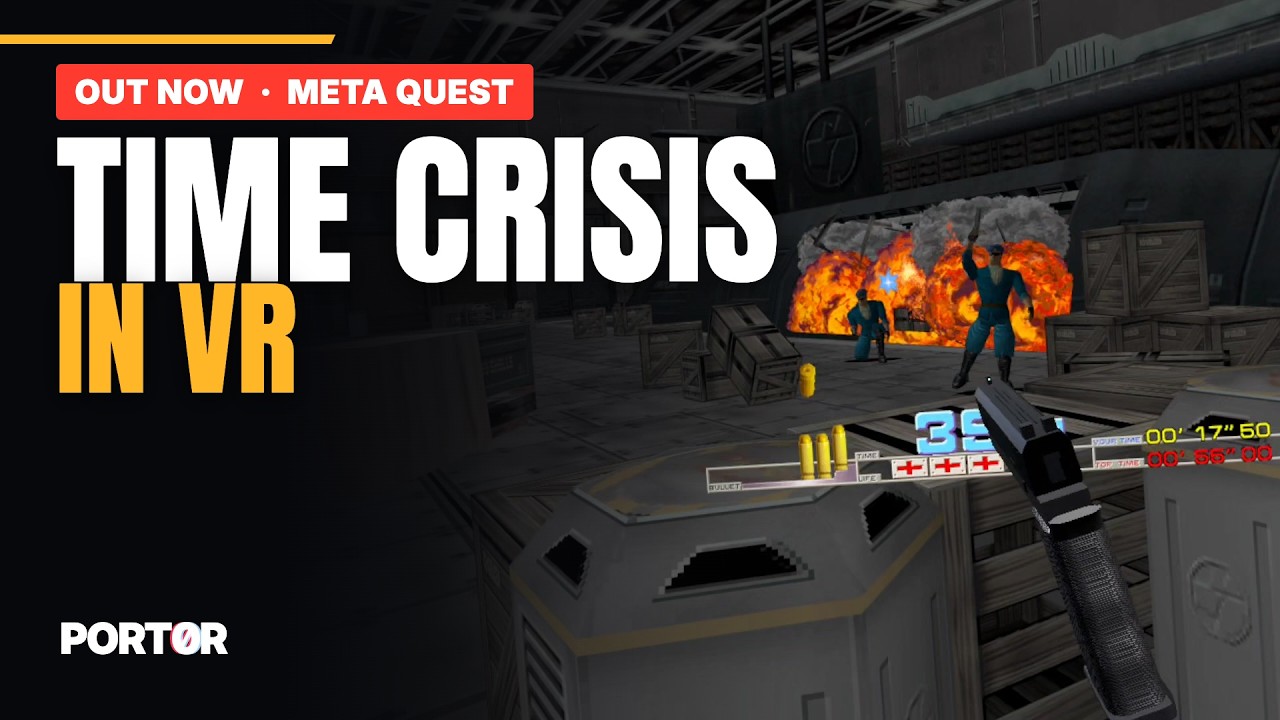
Sega's Virtua Cop in the docks with the gangsters, at real scale: the cabinet's blue Virtua Gun in your hand, the weapons you pick up in 3D, and the camera's zooms turned into a move through the level. Free, on Meta Quest 3.

  • Sega's blue Virtua Gun in your hand, like on the cabinet
  • The weapons you pick up, in 3D
  • The cabinet's camera zooms become a move into the docks
From the comments

What its players say.


New in 0.2.1

What's new.

  • Your hand and arm: a gloved hand now holds the gun, behind the grip and round it, the index on the trigger, the arm coming from your shoulder. Settings > Game > Arm turns it off.
  • The picture is no longer tilted, and the game's zooms are the cabinet's again: the whole screen can be shot at.
  • Reload with a button: A by default, any button in Settings > Buttons > Reload. Shooting off the screen still reloads.
  • Left-handed (Settings > Game > Gun hand) and two guns (Settings > Game > Two guns).
  • Settings > Game > Gun: the other gun is now a revolver, as in the game (six rounds, the cylinder in the HUD).
Every version

The game

In the headset.

Virtua Cop, Sega's 1994 cabinet (Sega Model 2), rebuilt in real 3D for each eye: you stand inside the scene, at real scale.

Version 0.2.1Size 79.1 MBPrice free

Meta Quest 3

Install in four steps.

About ten minutes the first time. A computer (Windows, Mac or Linux) or just the headset's browser; a USB-C cable helps.

  1. Developer modeOnce per headset: a free developer organisation on developer.oculus.com, then Meta Horizon app > Devices > Headset settings > Developer mode, and restart the headset.
  2. The appOne click from its SideQuest page, or Port0r-CopVR-v0.2.1-quest3.apk with SideQuest or adb install -r.
  3. Your game filesvcop.zip and model1io2.zip: the MAME 0.289 set, anywhere on the headset (Download is the simplest). The app finds them.
  4. First launchLibrary > All > Unknown sources > Port0r: Cop VR. Allow "All files access": the game starts by itself.
The step-by-step guide, with pictures

Controls

In your hands.

ShootTrigger
ReloadA, or shoot below the screen like on the cabinet
Start / insert a coinB / X
SettingsLeft menu button
Recenter the viewY on the left controller
Your own buttonsSettings > Buttons

Help

If it doesn't start.

  • Not in the Library: look under All > Unknown sources. Missing? Developer mode is off, or the headset was not restarted.
  • Files missing: check the names (vcop.zip and model1io2.zip), that they are zips, and that "All files access" is allowed.
  • "Wrong version of the game files": your set is not for MAME 0.289. Check it with a ROM manager, put the corrected files back, return to the app.
  • Anything else: ask in #ask-port0r on the Discord, the bot answers in seconds, in your language.

Published from the headset

Its board, live.

Cop VR

The best score per player, this week and of all time.