
Port0r
In the headset
 Downloads
 Views
 Comments
Out now · 0.1.0Sega · 1995 · Sega Model 2A

Virtua Cop 2 in VR

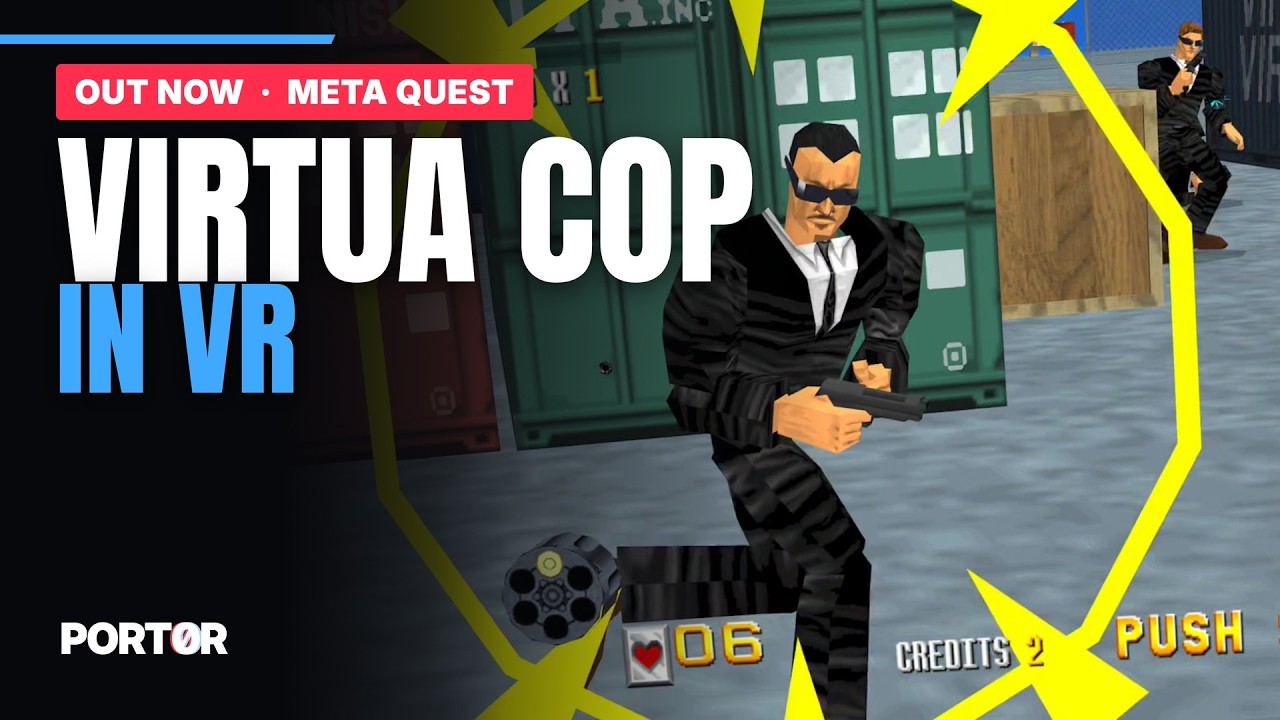
Sega's Virtua Cop 2 at real scale, with one gun or two, and a ray gun for the best score of the first week. Free, on Meta Quest 3.

  • One gun or two, one in each hand
  • Your own arm holding the gun
  • A ray gun for the best score of the first week
From the comments

What its players say.


New in 0.1.0

What's new.

  • Virtua Cop 2 is now playable in VR on Quest 3 in its own app, and you hold the cabinet's blue gun or the revolver in 3D.
  • You see your own arm holding the gun.
  • You can play with two guns, one in each hand, by turning on Settings > Game > Two guns.
  • The best score of the first week wins a ray gun, and anyone who beats that score later wins it too.
  • Every texture of the game is shown in HD, and Settings > Textures brings back the original ones.
  • You can reload with the A button (X if you hold the gun in your left hand), or by shooting toward the floor below the screen.
  • You can move through the menu with either thumbstick without changing anything. Press A to change the chosen line, then A to keep the new value or B to go back to the old one.
Every version

The game

In the headset.

Virtua Cop 2, Sega's 1995 cabinet (Sega Model 2A), rebuilt in real 3D for each eye: you stand inside the scene, at real scale.

Version 0.1.0Size 180.4 MBPrice free

Meta Quest 3

Install in four steps.

About ten minutes the first time. A computer (Windows, Mac or Linux) or just the headset's browser; a USB-C cable helps.

  1. Developer modeOnce per headset: a free developer organisation on developer.oculus.com, then Meta Horizon app > Devices > Headset settings > Developer mode, and restart the headset.
  2. The appOne click from its SideQuest page, or Port0r-Cop2VR-v0.1.0-quest3.apk with SideQuest or adb install -r.
  3. Your game filesvcop2.zip: the MAME 0.289 set, anywhere on the headset (Download is the simplest). The app finds them.
  4. First launchLibrary > All > Unknown sources > Port0r: Cop 2 VR. Allow "All files access": the game starts by itself.
The step-by-step guide, with pictures

Controls

In your hands.

ShootTrigger
ReloadA (X for the left hand), or shoot toward the floor below the screen
Start / insert a coinB / X
Two gunsSettings > Game > Two guns
SettingsLeft menu button
Recenter the viewY on the left controller
Your own buttonsSettings > Buttons

Help

If it doesn't start.

  • Not in the Library: look under All > Unknown sources. Missing? Developer mode is off, or the headset was not restarted.
  • Files missing: check the names (vcop2.zip), that they are zips, and that "All files access" is allowed.
  • "Wrong version of the game files": your set is not for MAME 0.289. Check it with a ROM manager, put the corrected files back, return to the app.
  • Anything else: ask in #ask-port0r on the Discord, the bot answers in seconds, in your language.

Published from the headset

Its board, live.

Cop 2 VR

The best score per player, this week and of all time.